Agentic Table of Contents (so far)

1 RAG – A quick example

2 RAG in detail

3 Deeper into RAG

4 The R in RAG

5 PEAS for Agentic AI

6 AI Reasoning and Planning

7 REACT and Agents in AI

8 Creating a multi-agent system (Python & LangChain/LangGraph) part 1 of 6

14 Migrating Agentic Code Python -> C# Part 1 of 6

20 Dependency Injection & Microsoft Agentic Framework

21 Migrating C# to Microsoft Agentic Framework

22 Transparency in Agentics

23 Ensuring Agent Safety

24 Logging & OpenTelemetry in Microsoft Agentic Framework

25 Activity Source in Microsoft Agentic Framework

26 Middleware in Microsoft Agentic Framework

27 Limit token usage in Microsoft Agentic Framework

28 Using OpenTelemetry in Microsoft Agent Framework

29 LangChain/LangGraph vs. Microsoft Agent Framework

30 Long term memory in Microsoft Agent Framework

31 Agent vs ChatClient Middleware

32 Managing Secrets

33 Microsoft Agent Framework and Foundry

34 Agent Memory for .NET

35 About Neo4j

36 Reducing Token Usage

37 Deploying Microsoft Agent Framework applications to Foundry

38 Copilot Harness and Microsoft Agent Framework

39 GitHub SpecKit

40RAG in Microsoft Agent Framework

41 Executors and Edges

42 Deploying a Microsoft Agent Framework application to Foundry

43 Implementing the Move to Foundry

44 Agent Skills 101

45 Microsoft Tenants

46 Microsoft Agent Framework Deep Dive Podcast

47 Copilot Review

48 Session State

49 Human In The Loop

50 Spec-Driven Development

51 Adding Cosmos with Spec Kit and Copilot

52 Creating A Front End with Spec Kit and Copilot

53 SDD Phases (https://bit.ly/SDDPhases)

54 BlogWriter Architecture Part 1

55 Memory in BlogWriter

55 Chat client v Responses Client

56 Run Locally

57 RAG Implementation Step by Step

58 MCP and Microsoft Agent Framework

59 When Is the LLM Called?

60 Prompts in MCP

61 4 Solutions to Spec Kit Issues

62 Creating Presets Step By Step

63 Creating a Spec Kit Extension Step By Step

64 RAG and Microsoft Agent Framework Step By Step (2)

65 Prompts are dead; long live loops!

66 Agentic Loops v Spec-Driven Development

Note: many of these blog posts had initial research and drafts done by the Blog Writer multi-agent application that serves as a demo for these articles. All were then edited by me.

Posted in AI, Essentials | Comments Off on Agentic Table of Contents (so far)

Workflows in Microsoft Agent Framework

tl;dr

Use Microsoft Agent Framework workflows when you need an explicit, durable, and inspectable orchestration layer: deterministic execution paths, coordinated multi-step processes or multi-agent handoffs, long-running jobs with checkpoints and resume, human approvals, or integrations where observability and reliability matter. Avoid workflows when a single agent (or a simple agent pattern) can satisfy the requirement, when you need the lowest latency or minimal operational overhead, during early prototyping, or when your application requires highly emergent or ad‑hoc agent behavior that cannot be modeled as an explicit execution graph.

Below I lay out the decision criteria, explain why workflows help (and when they hurt), give real-world scenario guidance, list operational considerations, and call out gaps in public documentation you may want to investigate before committing to workflows for production.

I will use my demonstration program, BlogWriter, which wrote the initial draft of this blog post as a working example.

Continue reading →
Posted in AI | Comments Off on Workflows in Microsoft Agent Framework

Agentic Loops vs. Spec-Driven Development

There are a lot of new terms being tossed around the AI developer world. Two new ones are Agentic Loops and Spec-Driven Development. This blog post will endeavor to clarify…

AI-driven software development today divides into two complementary but distinct patterns: agentic loop programming (autonomous, iterative agents) and Spec‑Driven Development (SDD, spec-as-source-of-truth). Both appear in modern toolchains: agentic loops power autonomous workflows and multi‑step reasoning, while SDD tames AI generation by anchoring code to machine‑readable contracts. This post compares the approaches, highlights tradeoffs, and provides compact, runnable C# examples you can adapt.

Continue reading →
Posted in AI, Essentials | Comments Off on Agentic Loops vs. Spec-Driven Development

Prompts are dead; long live loops!

As you may have heard, loops are the hottest thing in AI. The buzz is that rather than you writing prompts, you let your agent do so. The problem is that while all the videos I’ve seen are great at touting the advantages and even explaining the moving parts (though each one has slightly different architecture), I’ve yet to see one that gives concrete C# examples—let alone using the Microsoft Agent Framework.

Soooo, this is the very first in a series. I’m finding my way, stumbling in the dark, so some of this may be a bit simplistic—but I believe it is correct as far as it goes. Remember, however, that the first draft of this post was written by AI. I’ve edited it, but your mileage may vary.

Continue reading →
Posted in AI | Comments Off on Prompts are dead; long live loops!

YouTube Player – Open Source

Today I took my YouTube Player open source under the MIT license. Looking forward to the community contributions and opinions.

  • Marks videos as started or completed
  • Displays your progress and total time for video, along with date and other meta-data
  • Single click on card displays details
  • If details contain chapters, clicking on a chapter brings you there
  • Double-click on video and go to where you left off
  • Mark videos as important (and see all important videos listed together)
  • Delete videos from your list to avoid clutter
  • Drag and drop lists of videos to reorder
  • Drag and drop cards within list

The source offers two versions: Desktop and Web. Please read CONTRIBUTING.md before contributing to the project.

For you to use this, I will need to add your email to the list of test users. Please contact me at jesseliberty@gmail.com if you are going to be submitting pull requests.

Note: Much of the code was written by AI and is offered as is (AI makes mistakes, so proceed with caution). For more, please read the Readme.md file.

Posted in Open Source | Comments Off on YouTube Player – Open Source

RAG and Microsoft Agent Framework Step By Step (2)

In a previous blog post I walked through a RAG example using Microsoft Agent Framework so that we could do a semantic search against our documents.

However, Bruno Capuano (Microsoft) and I went over this for my latest video with him. His reaction was that what I was doing was “right” but that I was working too hard, doing things that the Microsoft.Extensions.AI.Templates would do for me—or at least make simpler. He pointed me to the quickstart for AIChatSample.

The analysis in the quickstart is out of date, and there are significant changes. Here is an analysis of the latest version of the code. You can get the code itself from the quickstart, but note that I use llama.cpp rather than Ollama.

The rest of this post walks through the RAG implementation in AIChatSample, a Blazor chat application that uses OpenAI-compatible endpoints provided by llama.cpp. The emphasis is on the full path: configuring separate chat and embedding clients, ingesting and chunking documents, saving vectors in SQLite, retrieving relevant chunks, and turning those results into visible citations.

Continue reading →
Posted in AI, Essentials | Comments Off on RAG and Microsoft Agent Framework Step By Step (2)

Creating a Spec Kit Extension

Want to build an extension to Spec Kit? This comprehensive guide walks you through everything you need: a ready-to-drop extension layout, a complete extension.yml manifest, a slash-command file, a lifecycle hook that runs a C# helper, a full C# console app (source + csproj), install scripts, CI to build multi-platform artifacts and package the extension, plus troubleshooting, testing, and security advice.

What you’ll get (artifacts shown in this guide)

  • A consistent extension folder layout you can copy into a project-level .specify/extensions/ directory for local testing. (If your environment uses a different extension directory, replace .specify accordingly.)
  • Full extension.yml manifest.
  • A slash command file: addon/commands/speckit.extn.myfeature.md.
  • A lifecycle hook descriptor: addon/hooks/after-plan.yml and platform run wrappers.
  • A small C# console app (MyFeatureRunner) that reads a spec path and writes structured JSON to stdout.
  • Install scripts (install.sh, install.ps1) and OS wrappers (run.sh/run.ps1) to select the right binary.
  • A GitHub Actions workflow that builds platform binaries and packages a ZIP for publishing.
  • Tests (xUnit) that exercise the analyzer logic (no Python anywhere).
Continue reading →
Posted in AI, Essentials | Comments Off on Creating a Spec Kit Extension

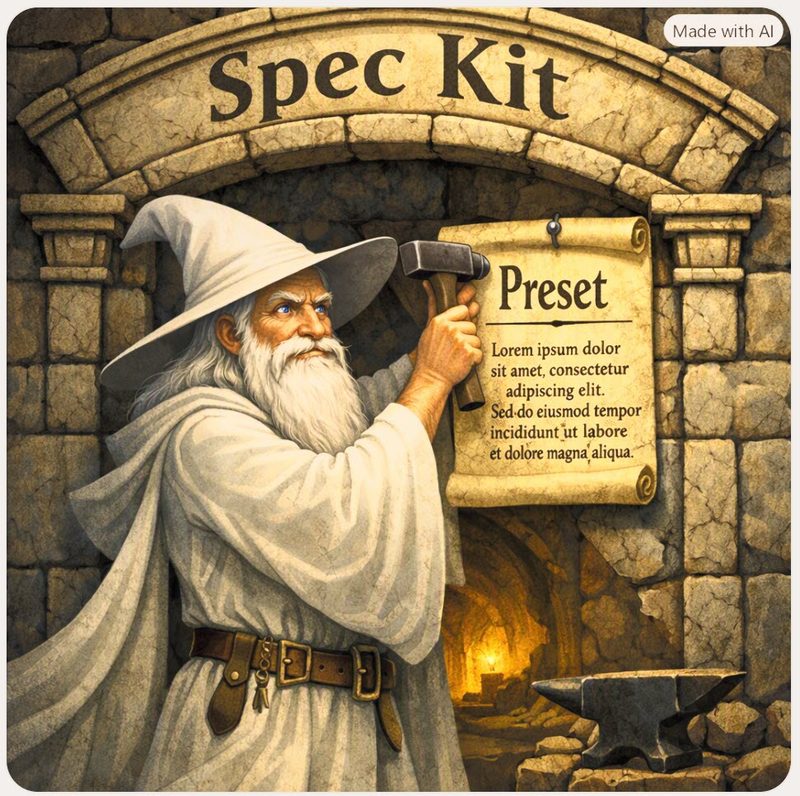
Creating Spec Kit Presets Step-By-Step

This guide assumes you already understand what Spec Kit and presets are and focuses on the who/what/where/how of authoring, testing, and publishing a preset. The instructions are concrete and practical — including a minimal manifest example, the recommended folder layout, local test workflow, a tiny C# validation snippet, and packaging/publishing notes.

Continue reading →
Posted in AI | Comments Off on Creating Spec Kit Presets Step-By-Step

4 Solutions to Spec Kit Issues

Your design docs look different across teams. Some repos forget the QA gate. Integrations (Jira, CI) are half-baked and duplicated as bash scripts. Onboarding a new engineer requires five manual steps to wire the same set of templates, commands, and pipelines.

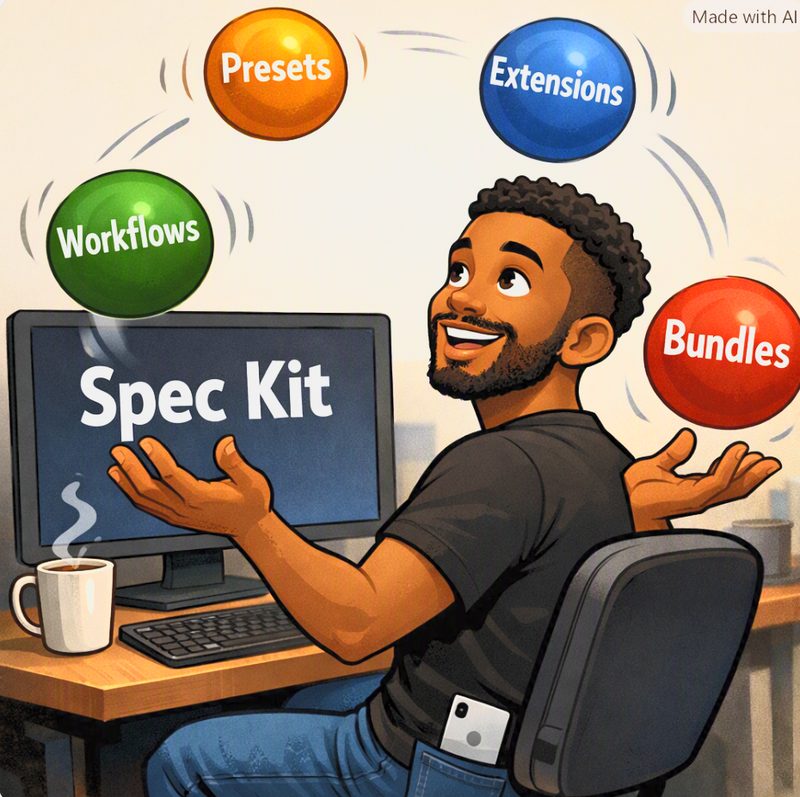
Spec Kit exposes four primitives that solve these problems in a structured, maintainable way:

  • Presets fix content and wording (make docs consistent).
  • Extensions add behavior and integrations (run code, call Jira/CI).
  • Workflows orchestrate multi-step, resumable pipelines (add gates and state).
  • Bundles package and version a curated set of the above (one-command onboarding).

This post explains each primitive plainly, shows concrete manifests and examples (CLI + Visual Studio Code), and gives authoring, troubleshooting, and operational guidance so you can pick the right tool for the job.

Continue reading →
Posted in AI | Comments Off on 4 Solutions to Spec Kit Issues

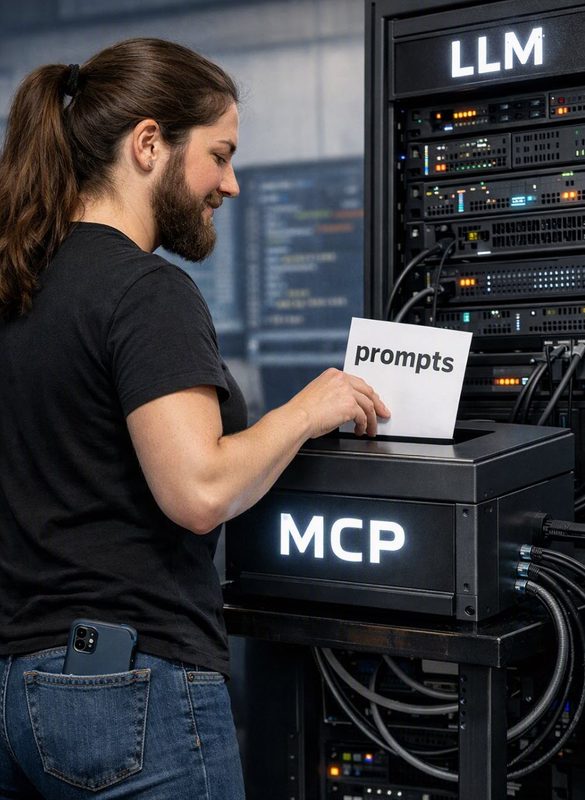
Prompts in MCP Servers

TL;DR

Prompts allow you to manage the exact instructions your chat models receive and let apps pick those instructions at runtime.

That’s the core value of “prompts” in the Model Context Protocol (MCP). MCP prompts let a server publish reusable, argument‑driven prompt templates that clients (including Microsoft Agent Framework agents) can discover, retrieve, and use in LLM chat calls—so behavior, UX, and auditing are consistent across apps.

Continue reading →
Posted in AI, Essentials | Comments Off on Prompts in MCP Servers

When Is the LLM Called?

When working with agents (e.g., in Microsoft Agent Framework) it is easy to be confused as to when the LLM is called. Since calling the LLM (and getting responses) costs money (in the form of expended tokens) it is important to understand this relationship.

An agent in the Microsoft Agent Framework (MAF) talks to an LLM whenever it needs to:
(1) decide what to do or generate text (initial planning/response generation),
(2) decide whether to call a tool and provide its arguments (function/tool calling), and
(3) incorporate tool outputs and continue reasoning or synthesize the final reply.

A single agent run commonly produces multiple model calls in a loop: planning → tool call(s) → synthesis → (repeat if needed).

Continue reading →
Posted in AI | Comments Off on When Is the LLM Called?

1,500 posts

So far, this blog has published 1,500 posts.

Posted in Essentials | Comments Off on 1,500 posts

MCP and Microsoft Agent Framework

tl;dr

  • MCP (Model Context Protocol) is an open protocol that standardizes how AI hosts (models/ or agents) discover and call external “tools” and contextual data sources. Instead of building bespoke integrations for every service, an AI host can discover tools exposed by MCP servers and invoke them using a single, consistent API (tool list + function invocation/streaming).
  • MCP server: a service that publishes tools (callable functions, data endpoints, long-running operations) via MCP over supported transports (stdio for local child processes, HTTP + SSE for remote/streamable). Servers are the canonical place to register capabilities agents can discover. *SSE is an HTTP‑based streaming mechanism where the server keeps an HTTP connection open and continuously pushes events to the client
  • MCP client: the client-side runtime your agent uses to discover and call tools exposed by one or more MCP servers. The MCP C# SDK provides transports and helpers to produce AIFunctions that integrate with Microsoft’s Agent Framework function-calling model.

Continue reading →
Posted in AI | Comments Off on MCP and Microsoft Agent Framework